 IPTV Firestick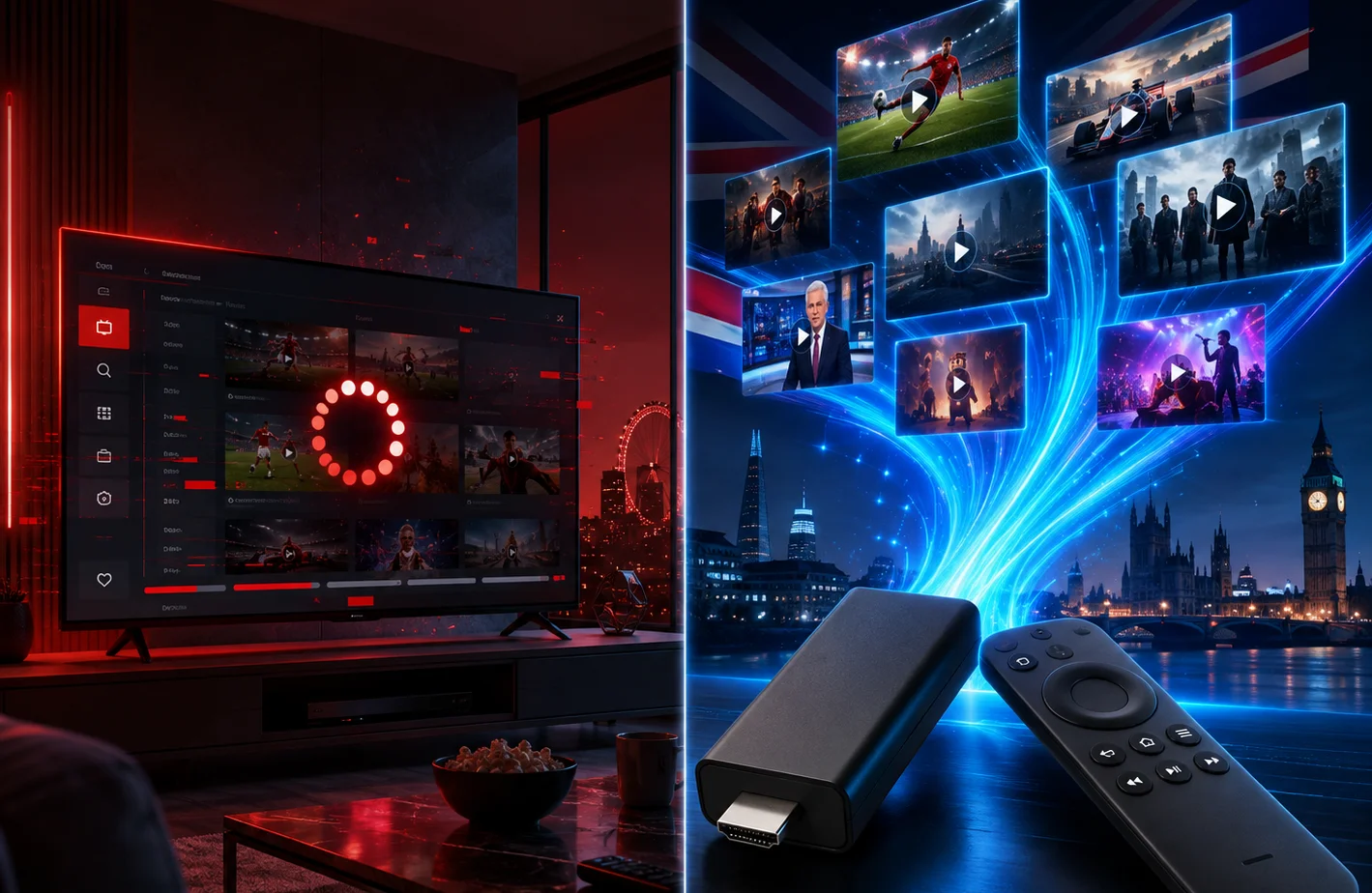
You just spent $1,000 on a beautiful new 4K Samsung or LG Smart TV. It has apps built-in, connects to your Wi-Fi, and the screen looks incredible. So why would you spend an extra $40 on an Amazon Firestick just to watch IPTV?
This is a question we get asked daily. While it seems logical to just download an app directly onto your television and avoid cluttering your HDMI ports, the reality of live video streaming paints a very different picture.
The Truth About Smart TV Processors
When you buy a Smart TV, 95% of your money goes toward the display panel, the backlighting, and the design. The internal computer chip (the processor) that runs the apps is often incredibly cheap and underpowered.
These weak processors are perfectly fine for watching Netflix or YouTube. Why? Because those services use massive global server networks that compress video and buffer minutes of content in advance. They do all the heavy lifting so your TV doesn't have to.
Why Live IPTV Demands More
Live IPTV is completely different. There is no pre-buffering. The video data is streaming directly to your device in real-time. Uncompressed live streams require a significant amount of processing power and RAM to decode smoothly on the fly.
When you force a cheap Smart TV processor to handle a 50,000-line M3U playlist and decode a 1080p live sports stream, it struggles. The result? Stuttering video, delayed audio, crashing apps, and extreme menu lag.
The Amazon Firestick Advantage
Dedicated streaming devices like the Amazon Firestick 4K Max or NVIDIA Shield are essentially powerful mini-computers built specifically for one task: processing heavy video streams.
Key Benefits of Dedicated Hardware:
- Vastly Superior Processors: They decode live streams instantly, eliminating the micro-stutters common on Smart TVs.
- Better App Selection: The Google Play and Amazon App stores have hundreds of excellent IPTV players (like TiviMate). Samsung (Tizen) and LG (WebOS) have highly restricted app stores with very few decent options.
- VPN Compatibility: If your ISP blocks IPTV, you need a VPN. You cannot easily install a VPN on a Samsung or LG TV. You can install one on a Firestick in two minutes.
- Wi-Fi Antennas: The Wi-Fi receivers in streaming sticks are often much stronger and more reliable than the ones buried behind the metal casing of your TV.
Storage Space and EPG Data
An Electronic Program Guide (EPG) is essential for a good IPTV experience, but EPG files are large. When your app downloads 7 days of TV guide data for 10,000 channels, it needs significant internal storage to save that data locally.
Most Smart TVs have extremely limited internal storage (often only 1GB or 2GB of usable space). Once this space fills up, your TV will start deleting cached data, causing your EPG to fail to load or your app to crash unexpectedly. Dedicated streaming devices offer significantly more storage, and high-end boxes even allow you to expand storage via USB.
Update Cycles and Longevity
Television manufacturers want you to buy a new TV every few years. As a result, they often stop releasing software updates for their Smart TV operating systems after 2-3 years.
When your TV's operating system becomes outdated, app developers stop supporting it. You might find that your favorite IPTV app suddenly stops working or won't install on your 4-year-old Samsung TV. In contrast, Amazon and Google update their streaming sticks for many years, and replacing a $40 stick every 3 years is vastly cheaper than replacing a $1,000 television.
The Final Verdict
If you are serious about cord-cutting and want a buffer-free, cable-like experience, do not rely on your Smart TV's built-in apps.
Spend the $40-$50 on a 4K Firestick, a Google Chromecast with Google TV, or an Android TV box. It is the single best investment you can make to upgrade your IPTV experience. Once you have the right hardware, pair it with our premium subscription for the ultimate setup.