 IPTV Firestick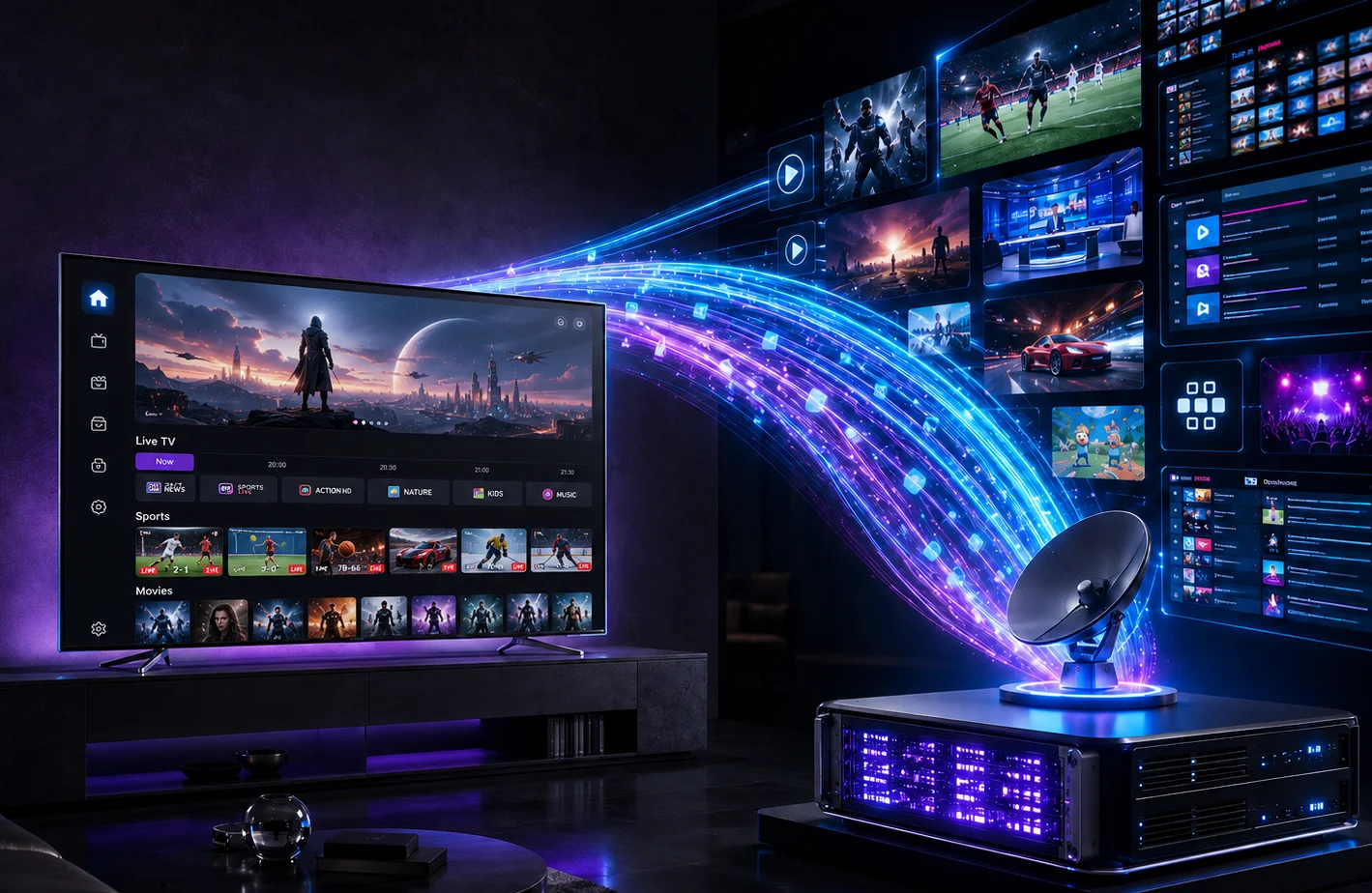
It is the most common support question in the streaming world: "I just paid $10 for an IPTV app on my TV, why does it say 'No Playlist Found'?"
The confusion usually stems from a fundamental misunderstanding of how modern streaming works. If you are new to the cord-cutting ecosystem, understanding the difference between an IPTV Player and an IPTV Subscription is the very first step you need to take.
The TV vs. The Cable Company Analogy
The easiest way to understand the difference is to think about traditional television.
- The IPTV Player is like your physical television set. It is a piece of hardware or software that displays video, but it has no channels built into it. If you buy a TV at Best Buy and plug it into the wall, it shows static.
- The IPTV Subscription is like your cable company (Comcast, Sky, Virgin Media). They are the service provider that actually sends the live television signals to your TV.
You need both for the system to work.
What is an IPTV Player?
An IPTV player (or IPTV app) is just an empty shell. It is a piece of software designed to read a list of channels and play the video streams associated with them.
Popular examples include TiviMate, IPTV Smarters Pro, IBO Player, and XCIPTV.
Crucially, IPTV players do not provide any content. They do not host movies, they do not broadcast live sports, and they do not own any channels. Because they provide no content, they are entirely legal to download from official app stores like Google Play or the Amazon Appstore.
When an app developer asks you to pay $5 or $10 to "unlock premium," you are paying for features (like recording, multiple screens, or removing ads). You are not paying for TV channels.
What is an IPTV Subscription?
An IPTV subscription (or provider) is the service that actually hosts the servers and broadcasts the live channels. When you pay a provider, they will send you login credentials—usually in the form of an M3U URL or Xtream Codes API details (a username, password, and server URL).
You take these credentials and enter them into your empty IPTV player. Once connected, the player communicates with the provider's servers, downloads the channel list, and begins streaming the video.
The Danger of "Pre-Loaded" Apps
You might occasionally find apps that claim to include both the player and the channels in one single download. While these seem convenient, they are highly discouraged.
- They are often bundled with malware or intrusive advertising.
- They use low-quality, public servers that buffer endlessly during major events.
- They are frequently shut down, leaving you without service.
The standard, safe, and reliable method is always to download a reputable, empty player, and then connect it to a premium, private subscription service.
Getting Started
If you have already downloaded an empty player like IPTV Smarters or TiviMate and are staring at a blank screen, you are halfway there. The next step is to get the channels.
Sign up for a free trial today to get your login credentials and see how premium live television is meant to look.