 IPTV Firestick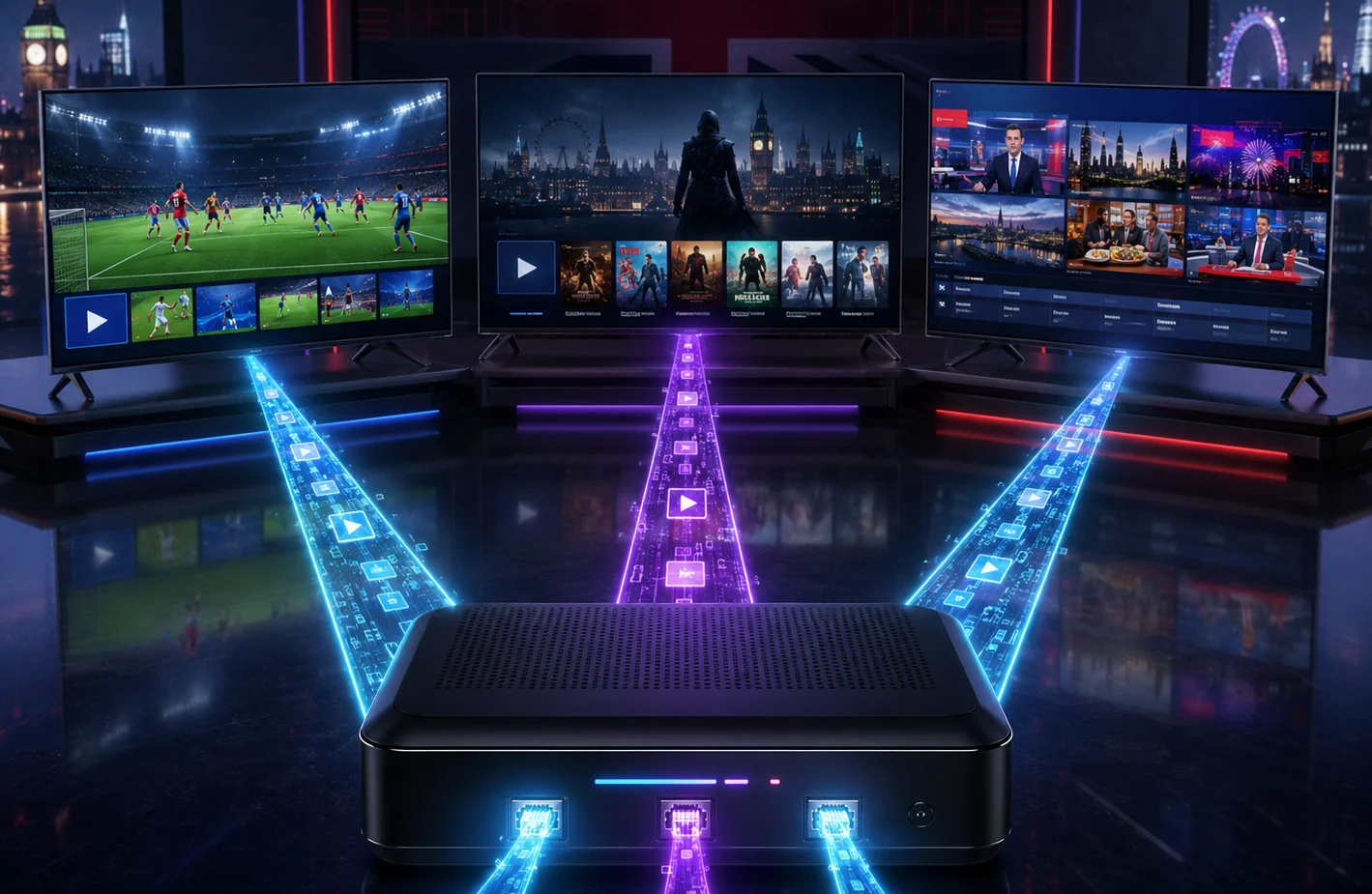
One of the most common reasons an IPTV user suddenly loses service in the middle of a big game is an automatic server ban due to a connection violation.
Understanding exactly what a "connection" means in the IPTV world—and knowing the rules around sharing your account—is critical to keeping your subscription active and your streams running smoothly.
What is an IPTV Connection?
In simple terms, a connection refers to the number of devices streaming video from the server at the exact same time.
When you purchase a standard IPTV package, it almost always includes one connection. This means you can install your playlist on your living room TV, your bedroom TV, and your mobile phone—but you can only have one of those devices actively playing a channel at any given moment.
What Happens if You Break the Rule?
IPTV providers utilize automated security scripts to protect their servers from abuse. If you buy a 1-connection plan, but your son is watching cartoons in the bedroom while you try to watch football in the living room, the server detects two active streams pulling from the same account.
When this happens, the system will usually respond in one of two ways:
- The Ping-Pong Effect: The server gets confused and rapidly switches the stream back and forth between the two devices, causing endless buffering and skipping for both of you.
- The Automatic Ban: The security script flags your account for sharing/restreaming and instantly disables your credentials, leaving you with a blank screen.
IP Locking vs Multi-Room
If you purchase a 2-connection or 3-connection plan, you can watch on multiple TVs simultaneously. However, you must pay attention to your provider's IP locking rules.
IP Locked (Multi-Room)
Some providers lock your multiple connections to a single IP address (your home internet). This means you can watch on three TVs in your house, but you cannot give your login to a friend who lives across town. If the server sees two different internet connections using the same account, it will ban you.
Non-IP Locked (Sharing)
Other providers offer non-IP locked connections. This allows you to split the cost of a multi-connection plan with a friend or family member in another city. You can use connection A at your house, and they can use connection B at theirs.
VPNs and Multiple Connections
Using a Virtual Private Network (VPN) is highly recommended for IPTV to stop your Internet Service Provider from throttling your speeds. However, you need to be careful when using a VPN on a multi-connection plan.
If your plan is IP-locked (Multi-Room), turning on a VPN on one TV while leaving it off on the other will assign two different IP addresses to your account. This will instantly trigger the server's anti-sharing script and result in a ban. If you must use a VPN on an IP-locked plan, you should install the VPN at the router level so all devices share the same secure IP address.
MAC Address vs M3U Connections
The type of connection you have also dictates how you can share it. If your subscription is tied to your device's MAC Address (commonly used by MAG boxes and the STB Emu app), your subscription is hard-locked to that physical device. You cannot share a MAC-based connection with another device under any circumstances without contacting your provider to swap the MAC address.
On the other hand, M3U or Xtream Codes API credentials can be typed into any device, making them much more flexible for multi-room setups.
The Golden Rule
Never share a 1-connection subscription. If you need to watch on multiple TVs at the same time, or if you want to share with a family member, always buy a multi-connection plan.
It is significantly cheaper to upgrade to a 2-connection plan than it is to buy a whole new subscription after getting banned. Need to upgrade your household setup? Check out our multi-room packages today.