 IPTV Firestick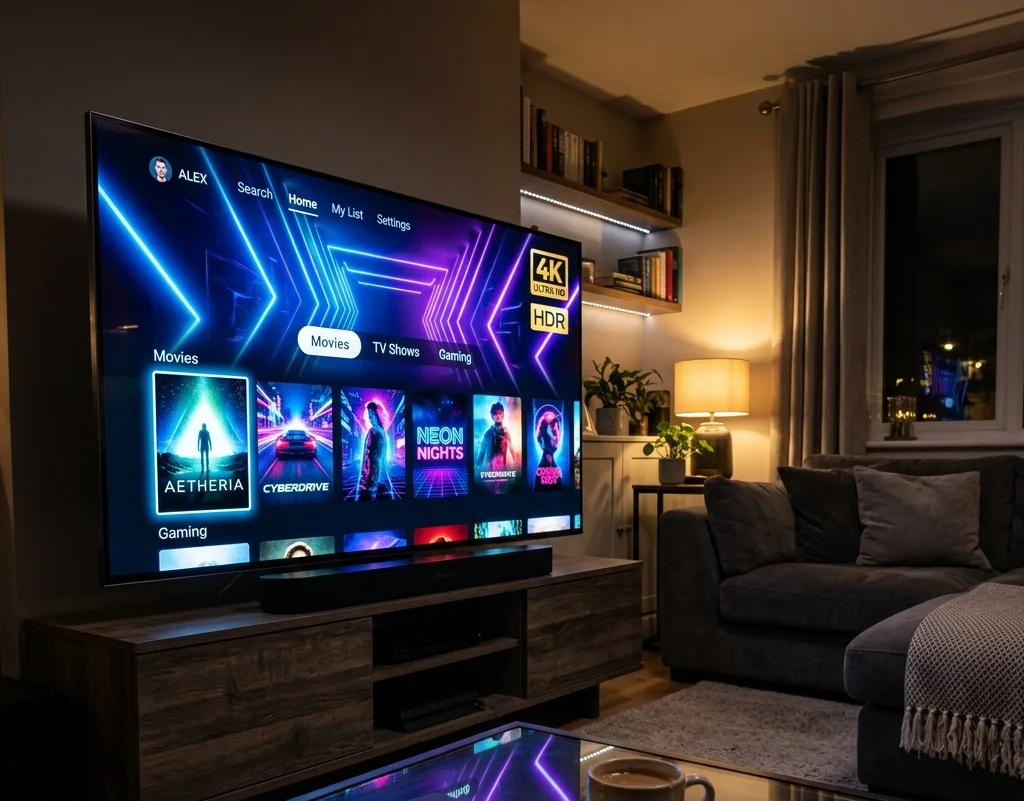
If you're using an Amazon Firestick for your streaming needs, you know that the hardware is only half the equation. The application you choose to run your M3U or Xtream Codes subscription on makes a massive difference in channel load times, Electronic Program Guide (EPG) accuracy, and your overall viewing experience.
In 2026, the IPTV app landscape has evolved. Many older apps have become bloated, while new, streamlined players have taken the spotlight. Here are the top 5 IPTV apps for Firestick you need to try.
1. TiviMate (Premium)
Widely considered the gold standard for Android-based devices, TiviMate offers a modern interface that completely rivals traditional cable and satellite boxes.
- Pros: Multi-playlist support, lightning-fast EPG integration, picture-in-picture, and excellent catch-up TV support.
- Cons: The free version is heavily restricted. The premium version is a must-buy.
2. IPTV Smarters Pro
A highly reliable, easy-to-use option that remains incredibly popular. It is particularly good for users who prefer the Xtream Codes API login method over pasting long M3U URLs.
- Pros: Clean VOD (Video on Demand) layout, multi-screen viewing, and a straightforward setup process.
- Cons: The UI feels slightly dated compared to newer competitors.
3. XCIPTV Player
XCIPTV is built for speed. It features a fully customizable interface and boasts some of the fastest channel zapping times we've tested this year.
- Pros: Built-in VPN support, highly responsive UI, excellent media player (ExoPlayer).
- Cons: Can occasionally struggle with extremely large VOD libraries.
4. Sparkle TV
A rising star in 2026, Sparkle TV is explicitly designed for the big screen. It excels at DVR capabilities, allowing you to easily record live TV if your provider allows multiple connections.
- Pros: DVR functionality, timeshift support, works flawlessly with remote controls.
- Cons: Setup can be slightly complex for beginners.
5. Flix IPTV
Flix IPTV offers a premium, modern design that feels very similar to mainstream streaming services like Netflix or Amazon Prime Video.
- Pros: Beautiful UI, MAC address-based activation, excellent subtitle support.
- Cons: It is a paid app (one-time fee) after a short 7-day trial.
Conclusion
No matter which app you choose, ensuring you have a high-quality provider is the key to buffer-free viewing. If you're experiencing lag, it's rarely the app—it's usually your connection or your provider. Ready to upgrade your stream? Check out our premium subscription plans today.